
About this pick
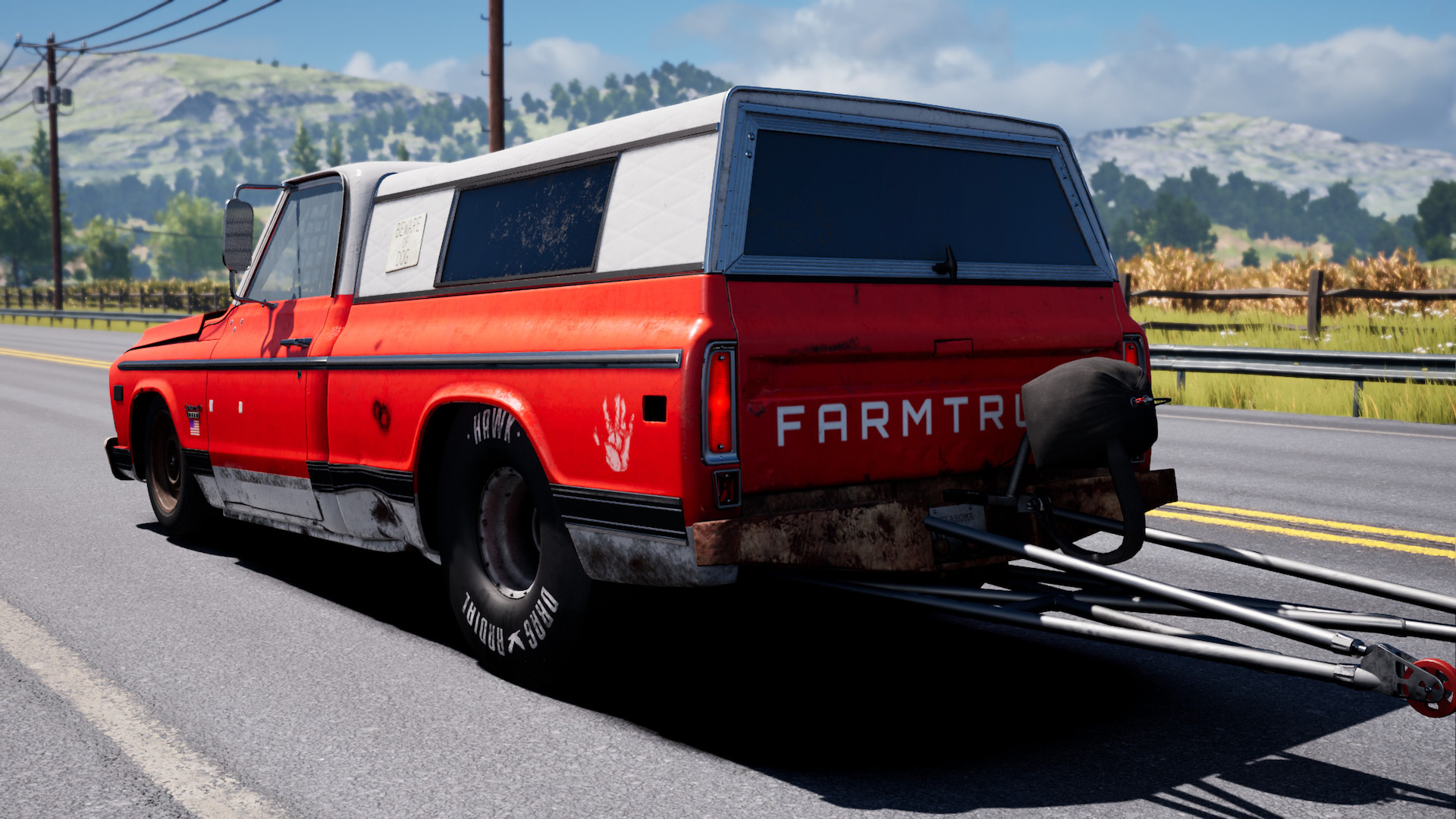
The stakes have just been raised! In this high-octane sequel, you have to prove your mettle in some of the roughest and most unforgiving drag and street races across the United States. Your success depends on how you perform, your strategy on modding your car, and how much reputation you ultimately earn along the way.The Unreal Engine brings Street Outlaws to a whole new level of visual fidelity with improved lighting, textures, and everything else! You can customize your car, but you can also customize your team garage to truly make it your own. Along with the street racing seen on TV, you will also be able to participate in unique races and stunts all while interacting with your favorite cast members from the show! Do you have what it takes to be crowned the Winner Takes All National Champion? Features 26 drag vehicles plus 5 challenge cars 36 unique locations for races and challenge events Over 250 parts for deep car customization including rims, parachutes, tires, window tints, tire smoke colors, as well as personal garage customization Put up or shut up through the in-game race wager feature Featuring Ryan Martin, Big Chief, AZN, Lizzy, Farmtruck and many more from the Street Outlaws TV show Asynchronous multiplayer tournaments and leaderboards
How to activate
Use the credentials you received (directly or via an external website) and log into the account. Make sure that the content on the account is correct (correct edition of the game, no playtime etc.) Add the purchased account to your console and set it as Xbox home account: Purchased account has to be added as a new user, not as a guest30 Xbox Series X S How to Make Account Primary! Change the credentials to make the account your own: Change the email Change the password Add 2FANOTE: Applying any changes to the purchased account, such as adding a payment method or changing the region, may result in the account being banned. In such cases, no refund is applicable. Once the account is added to your console (as a Xbox home account), download the game and switch back to the account you would like to play from. This way your progress will be saved on the account you are using.* The account should be used as a way of accessing the game/content you are interested in. It is not recommended to use it as your main account, as you might have issues with making purchases on it. *Note: Some content available in the Special Editions like in-game currency, skins, bonuses etc. may not be accessible from your main account.
More like this
−34%
Street Outlaws 2: Winner Takes All Steam CD Key
Steam
€2.90 €1.90
−17%
Street Outlaws: The List AR XBOX One CD Key
Xbox One
€5.90 €4.90
−22%
Street Outlaws: The List PC Steam CD Key
Steam
€8.90 €6.90
−20%
Street Outlaws - 1&2 Double Pack Bundle Steam CD Key
Steam
€9.90 €7.90
−22%
Street Outlaws: The List EU Nintendo Switch CD Key
Nintendo
€13.90 €10.90