
About this pick
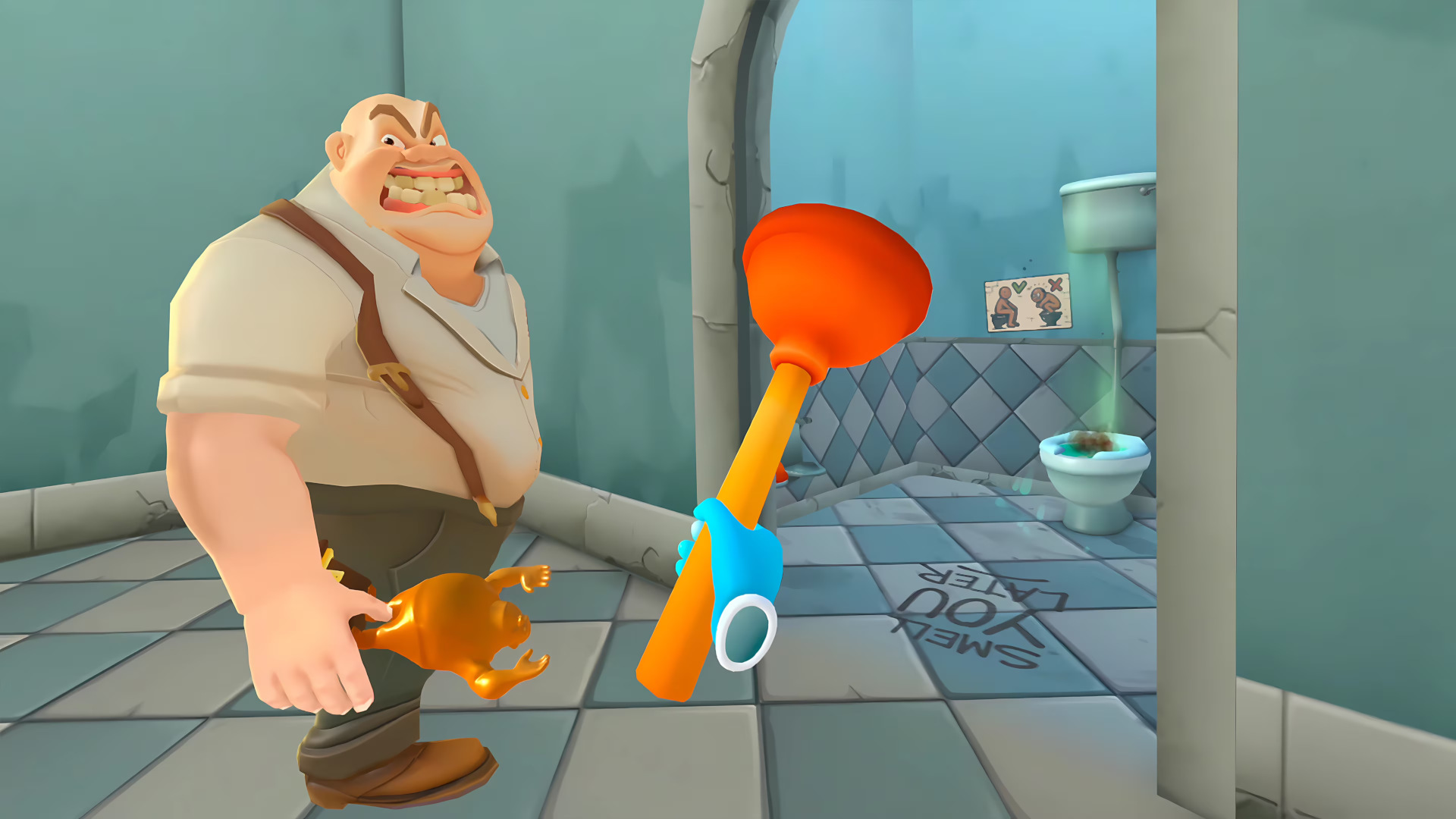
Step into the chaos of Shop & Stuff, the quirky VR supermarket simulator where running a store is anything but ordinary. Start small in this roadside mini-market and hustle your way up by stocking shelves, satisfying bizarre customers, and surviving the wild world of retail. Chase off shoplifters, fix glitchy self-checkouts and clean up unexpected messes to make it through each day! Run Your Chaotic StorePile up the goodies, charm customers at checkout, and keep the floor shiny, or watch chaos unfold as shoppers slip and track mystery gunk through the entire store! Keep Up with Wild CustomersBe ready to meet all kinds of visitors, from curious browsers to angry complainers. Keep an eye out for shoplifters and kick them out before they steal your items. Watch out for ice cream and pizza slices, or clumsy shoppers will turn your floor into a disaster zone. Level Up Your ShopYour goal is simple: keep your shop running to bring in the bucks and keep shoppers happy during opening hours. After a hard day of work, invest your earnings to expand your shop or purchase fresh equipment like the self-checkout desk or coffee machine. Get ready to turn your little shop into a thriving business in this hilarious, unpredictable VR supermarket simulator. Welcome to Shop & Stuff!
How to activate
Use the credentials you received (directly or via an external website) and log into the account. Make sure that the content on the account is correct (correct edition of the game, no playtime etc) Add the purchased account to your console and set it as a primary one: PS5 instruction PS4 instructionPurchased account has to be added as a user, not as a one-time guest Change the credentials to make the account your own: Change the email Change the password Add 2FANOTE: Applying any changes to the purchased account, such as adding a payment method or changing the region, may result in the account being banned. In such cases, no refund is applicable. Once the account is added to your console (as a primary one), download the game and switch back to the account you would like to play from. This way your progress will be saved on the account you are using.* The account should be used as a way of accessing the game/content you are interested in. It is not recommended to use it as your main account, as you might have issues with making purchases on it. *Note: Some content available in the Special Editions like in-game currency, skins, bonuses etc. may not be accessible from your main account.