
About this pick
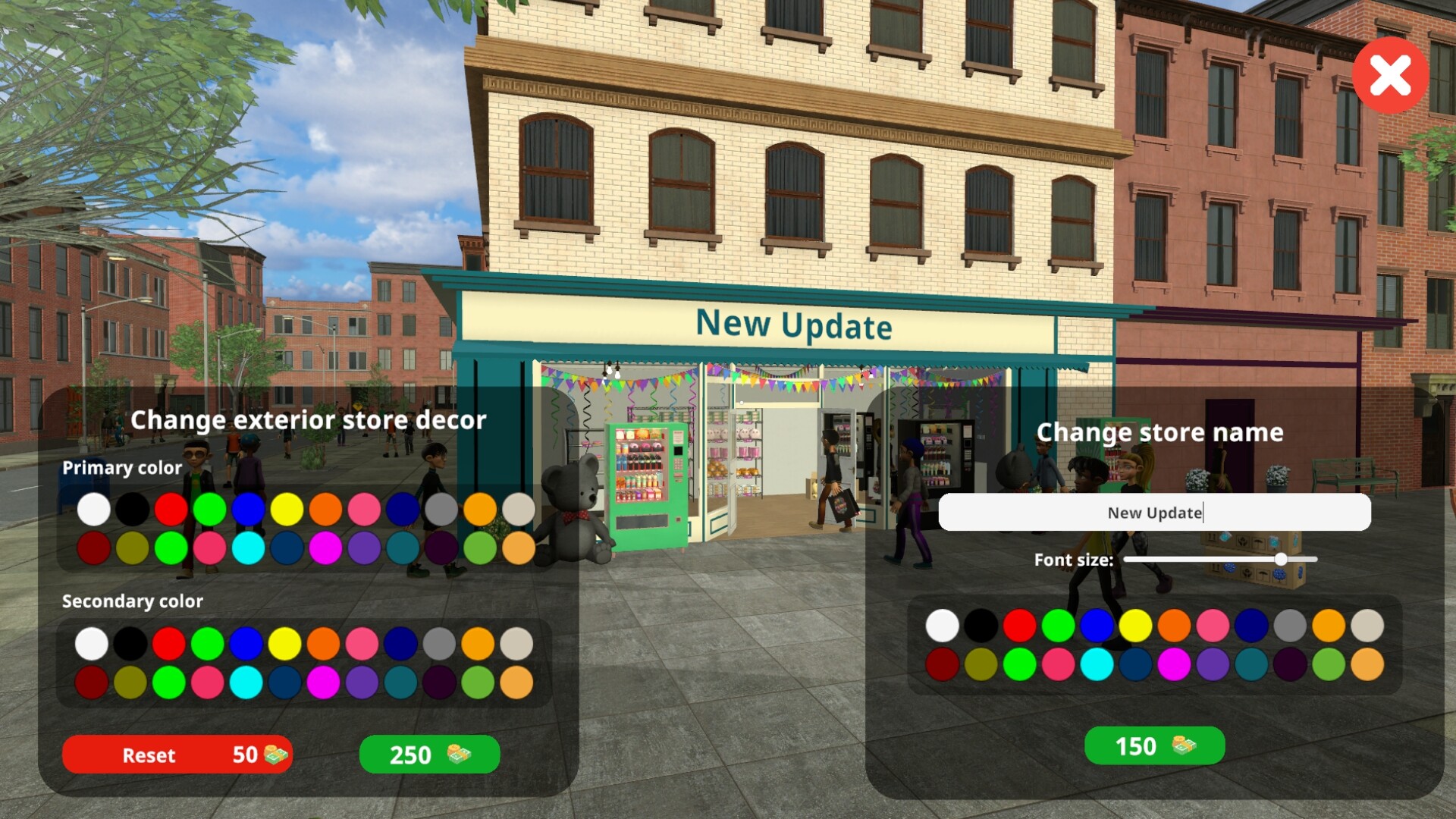
Optimize the layout of your candy and toy store for both efficiency and aesthetics. Design your store to maximize space utilization and visual appeal. Strategically place products, manage aisle organization, and prioritize a seamless shopping experience for your customers.Place toys on the shelves and candies, as well as cakes, on the designated shelves for cakes. Utilize an in-game computer to order stock. Unpack goods upon delivery, efficiently organize them in your storage room, and arrange them in their respective areas within your store for a streamlined shopping experience.Expand your store and enhance its aesthetic appeal, turning it into a beloved destination with captivating decorations and increased space.
How to activate
Go to: http://store.steampowered.com/ and download STEAM client Click "Install Steam" (from the upper right corner) Install and start application, login with your Account name and Password (create one if you don't have). Please follow these instructions to activate a new retail purchase on Steam: Launch Steam and log into your Steam account. Click the Games Menu. Choose Activate a Product on Steam... Follow the onscreen instructions to complete the process. After successful code verification go to the "LIBRARY" tab and start downloading.