
About this pick
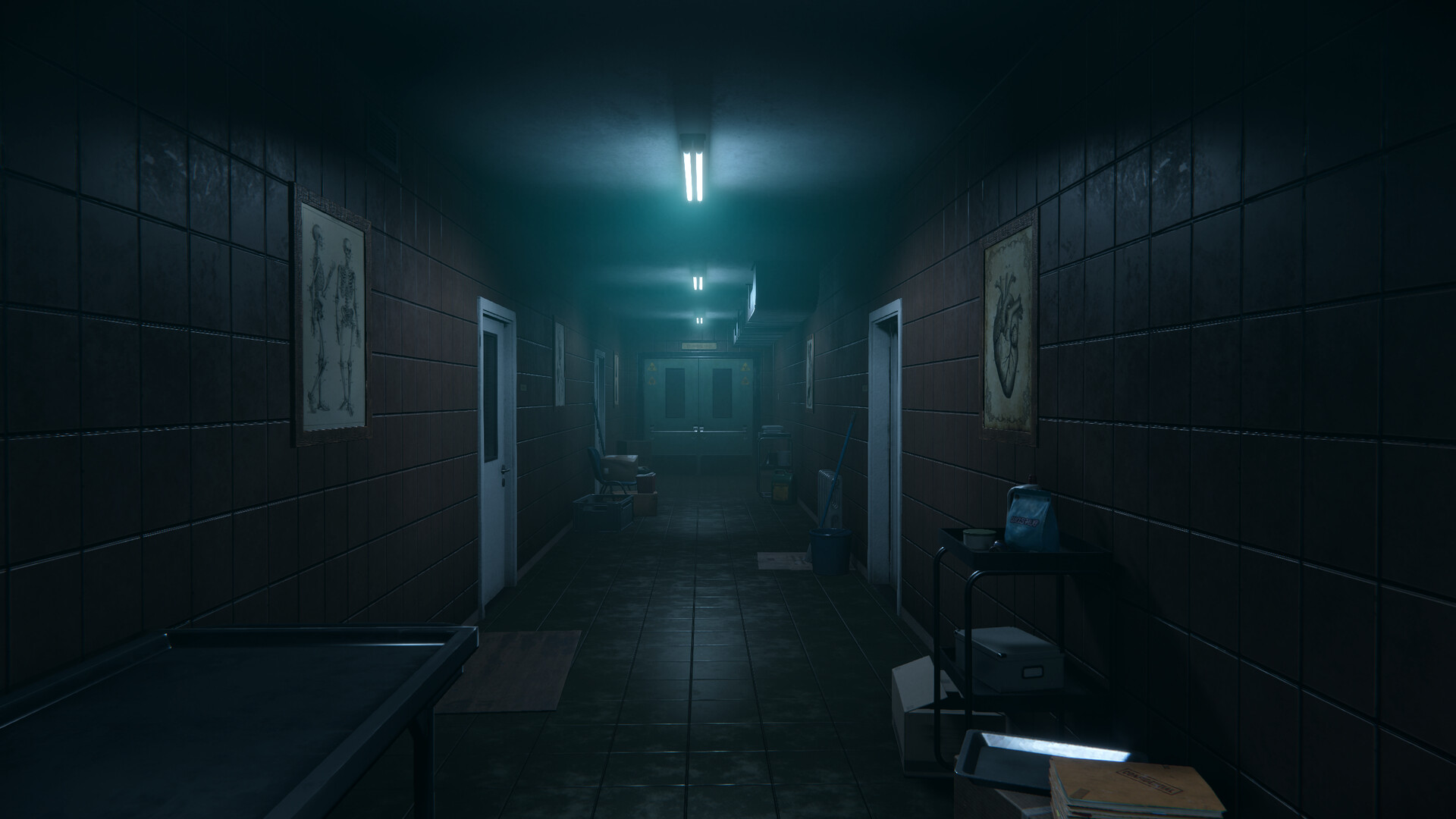
In Autopsy Simulator: Dead Memories, you play a middle-aged pathologist whose life has taken a turn for the worse. After a career downfall and the loss of your beloved wife, you live each day shattered and exhausted. One day during a routine post-mortem, you find a relic of your past hidden inside a body. Now, it feels like something just won’t let go… FEATURES Examine the bodies and study the files to get all the answersEvery case has its own story and each victim has their secrets. Uncover them to solve the puzzles and learn the truth about your subjects... and yourself. Cases prepared and analyzed by specialistsEach case is designed with the help of real life pathomorphologists and forensic doctors, ensuring the feel of being involved in an authentic autopsy process. Down to even the most gruesome details. Detailed depiction of organs and autopsy casesIn-game bodies, organs and injuries are crafted with unprecedented attention to detail. While this makes it easy to create immersion, it's also not for the faint hearted. A unique mix of simulation and horrorA combination of engrossing gameplay mechanics and spine-chilling moments will keep you on your toes throughout all of the story's chapters.
How to activate
Use the credentials you received (directly or via an external website) and log into the account. Make sure that the content on the account is correct (correct edition of the game, no playtime etc.) Add the purchased account to your console and set it as Xbox home account: Purchased account has to be added as a new user, not as a guest30 Xbox Series X S How to Make Account Primary! Change the credentials to make the account your own: Change the email Change the password Add 2FANOTE: Applying any changes to the purchased account, such as adding a payment method or changing the region, may result in the account being banned. In such cases, no refund is applicable. Once the account is added to your console (as a Xbox home account), download the game and switch back to the account you would like to play from. This way your progress will be saved on the account you are using.* The account should be used as a way of accessing the game/content you are interested in. It is not recommended to use it as your main account, as you might have issues with making purchases on it. *Note: Some content available in the Special Editions like in-game currency, skins, bonuses etc. may not be accessible from your main account.